Schooling Fish
A downloadable interactive art piece for Windows
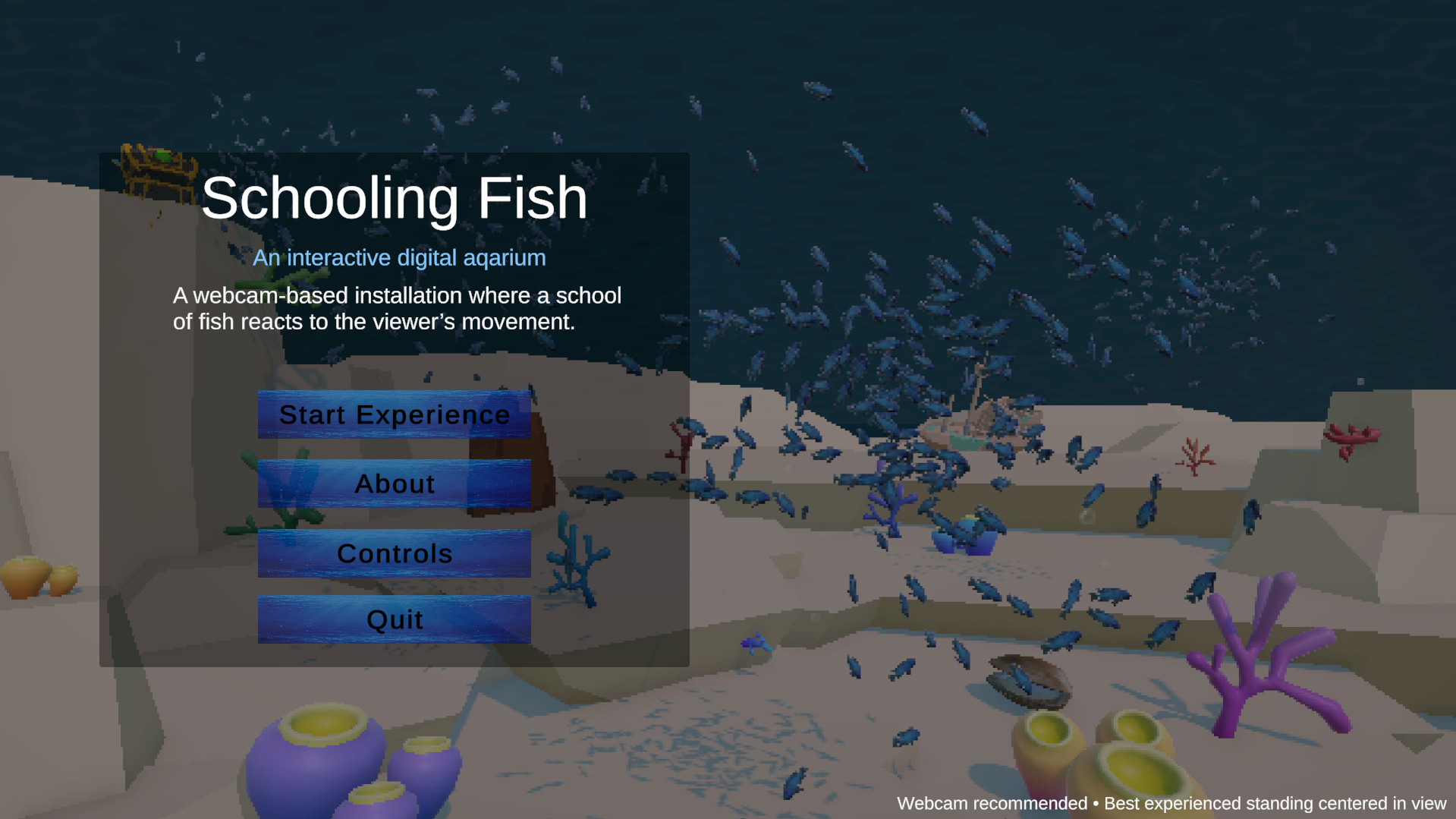
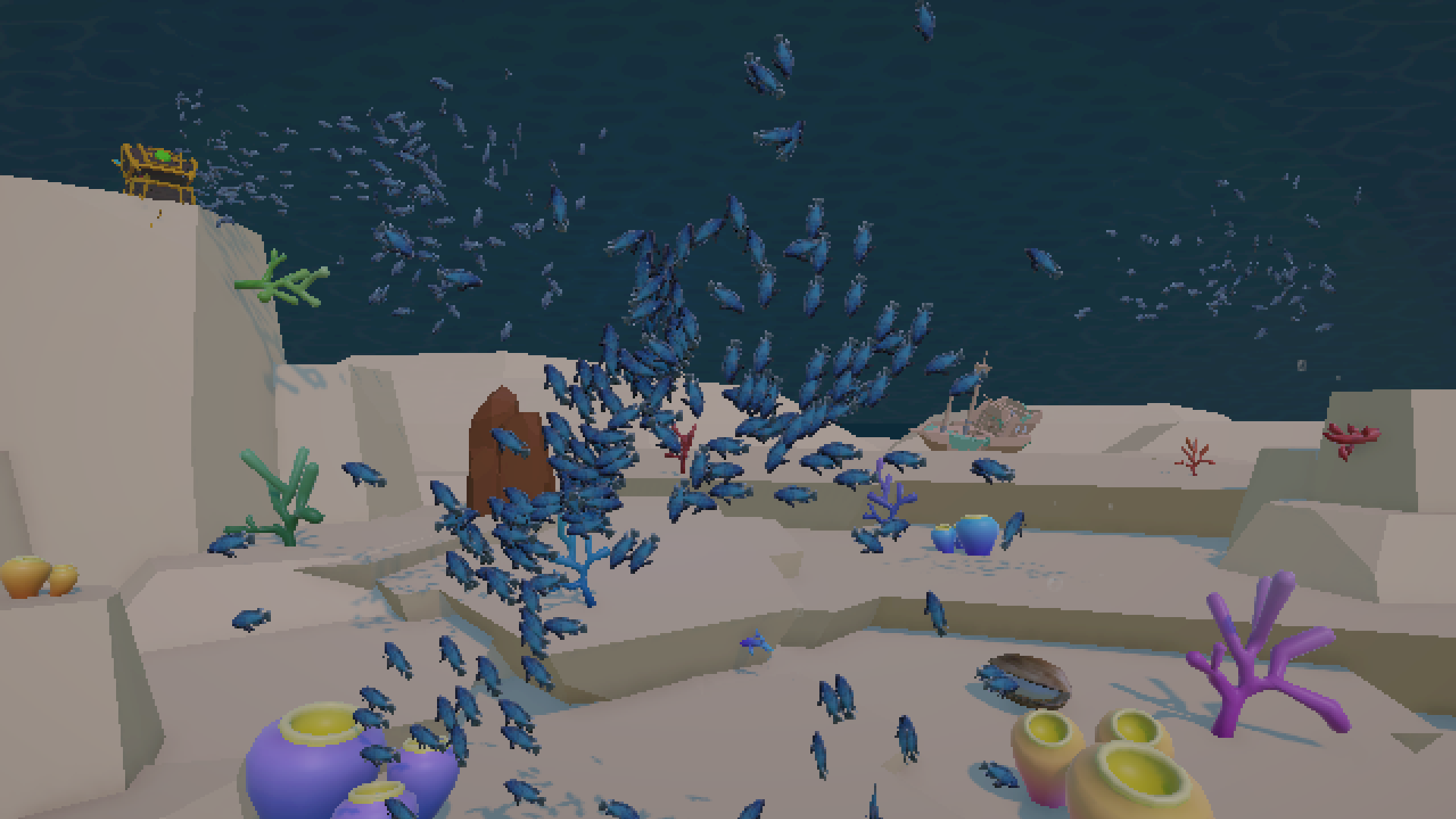
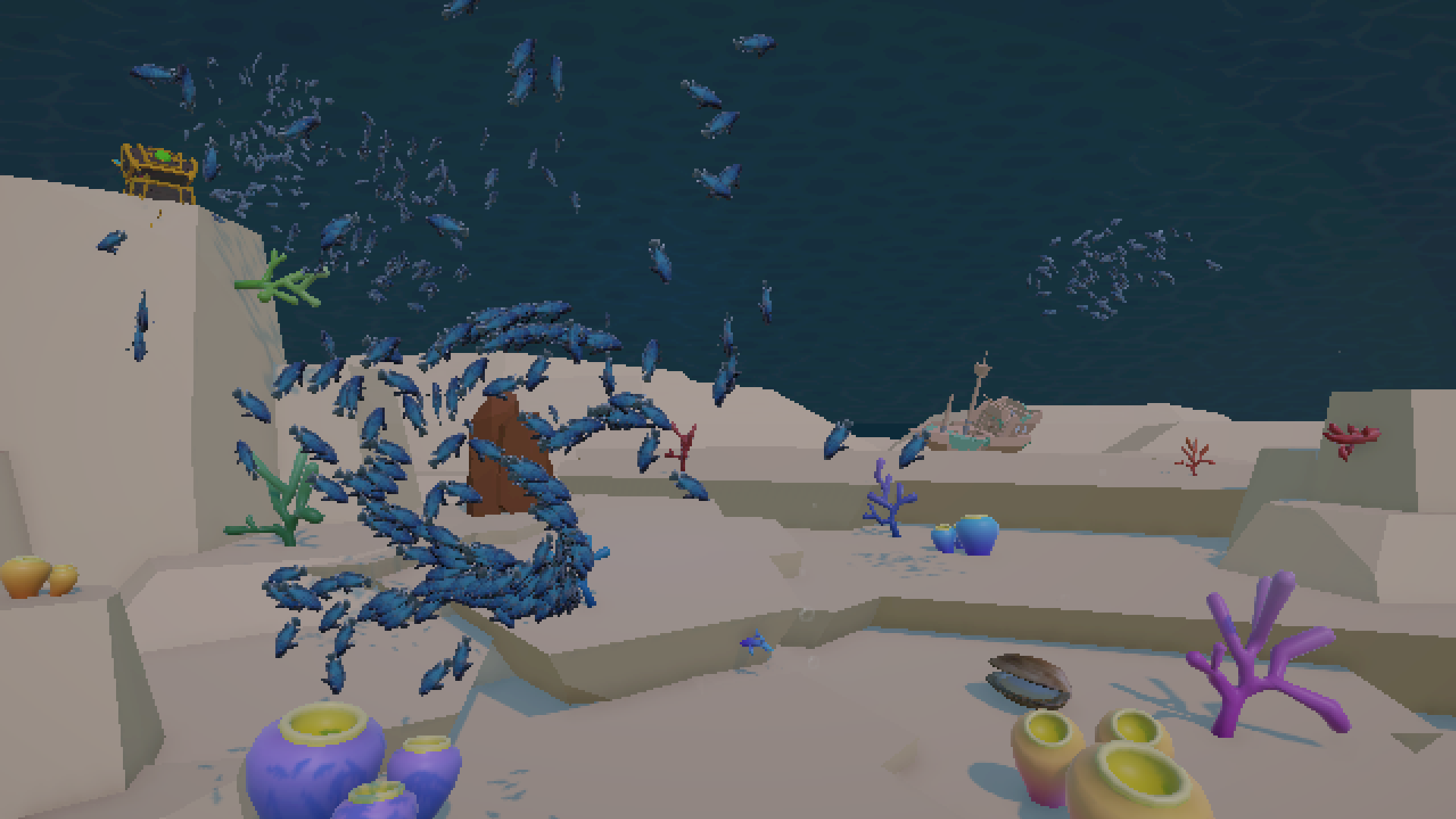
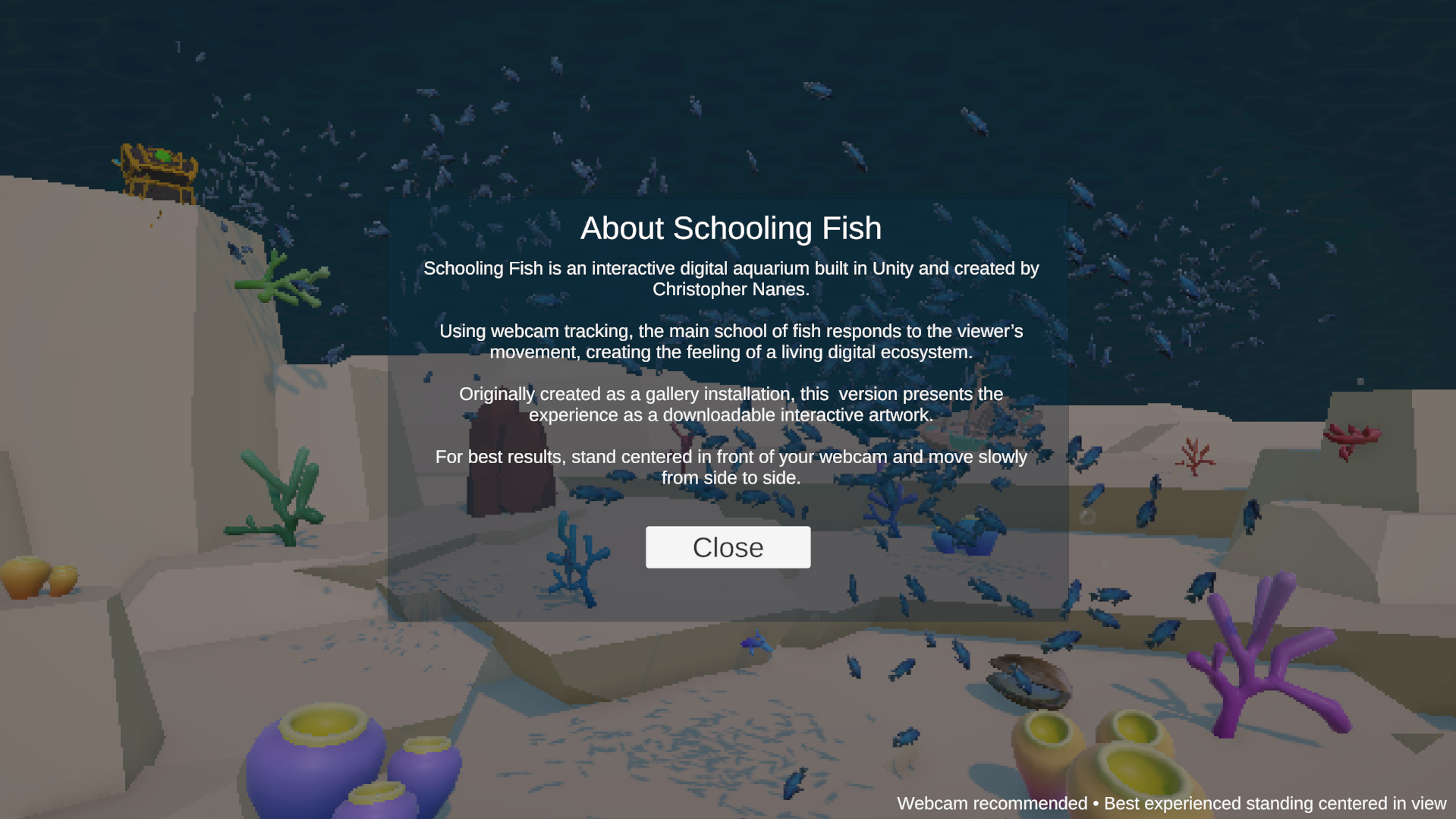
Schooling Fish is an interactive digital aquarium built in Unity. The project uses webcam-based body tracking to sense a viewer standing in front of the screen. When no one is present, the fish move calmly through the aquarium as an ambient digital ecosystem. When a viewer steps into view, the main school moves toward the glass and begins responding to their movement.
Originally created as a gallery installation, Schooling Fish explores presence, attention, and the feeling of a simulated environment that seems to notice you. The viewer does not control the fish like a traditional game character. Instead, their body movement gently influences the behavior of the school, creating the feeling of being observed by a living digital space.
The piece combines boid-inspired fish movement, underwater lighting, haze, caustic textures, soft music, background creatures, and MediaPipe webcam tracking. This downloadable version is adapted as a build for Windows.
Best experienced with a webcam.
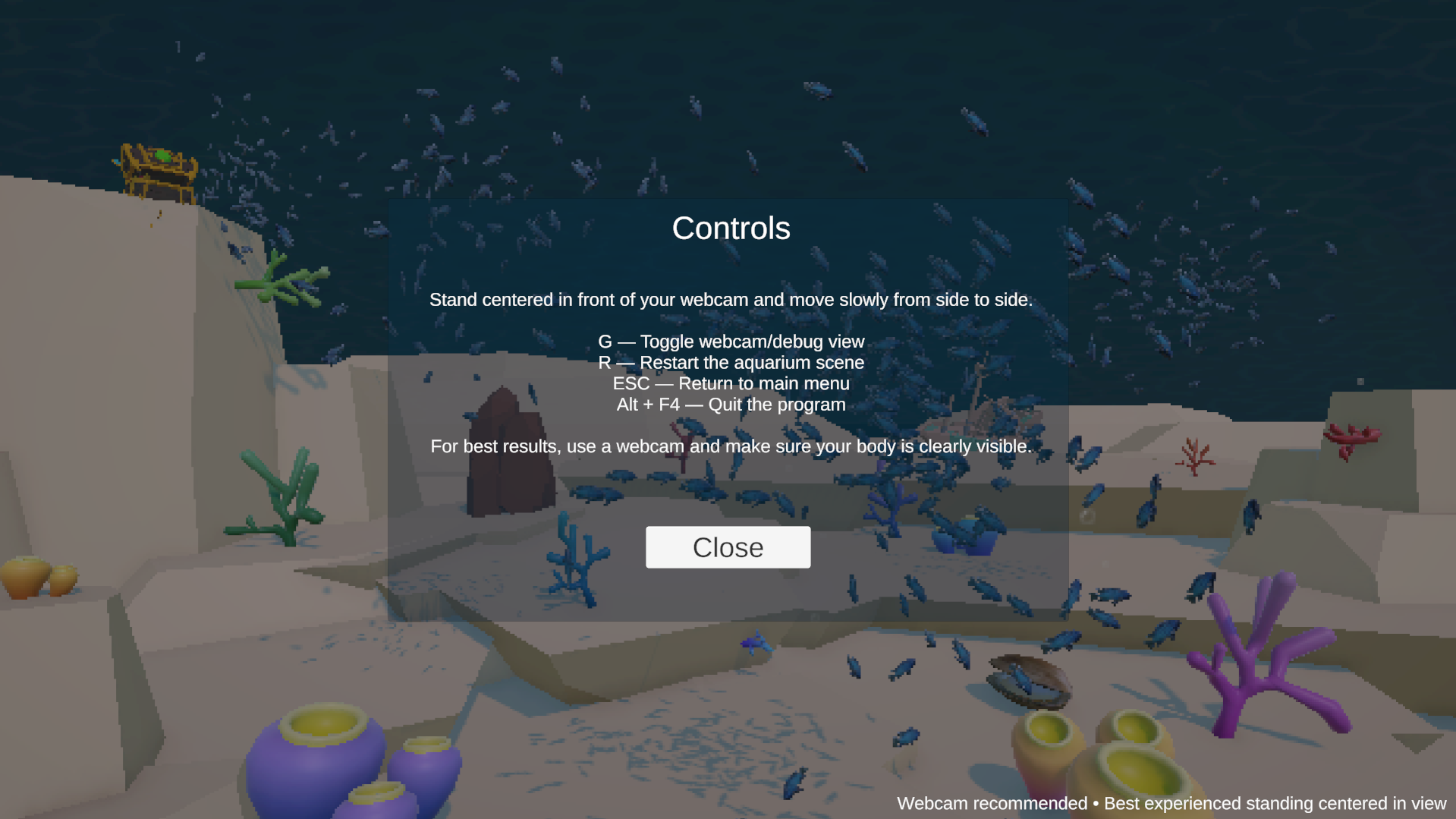
Controls:
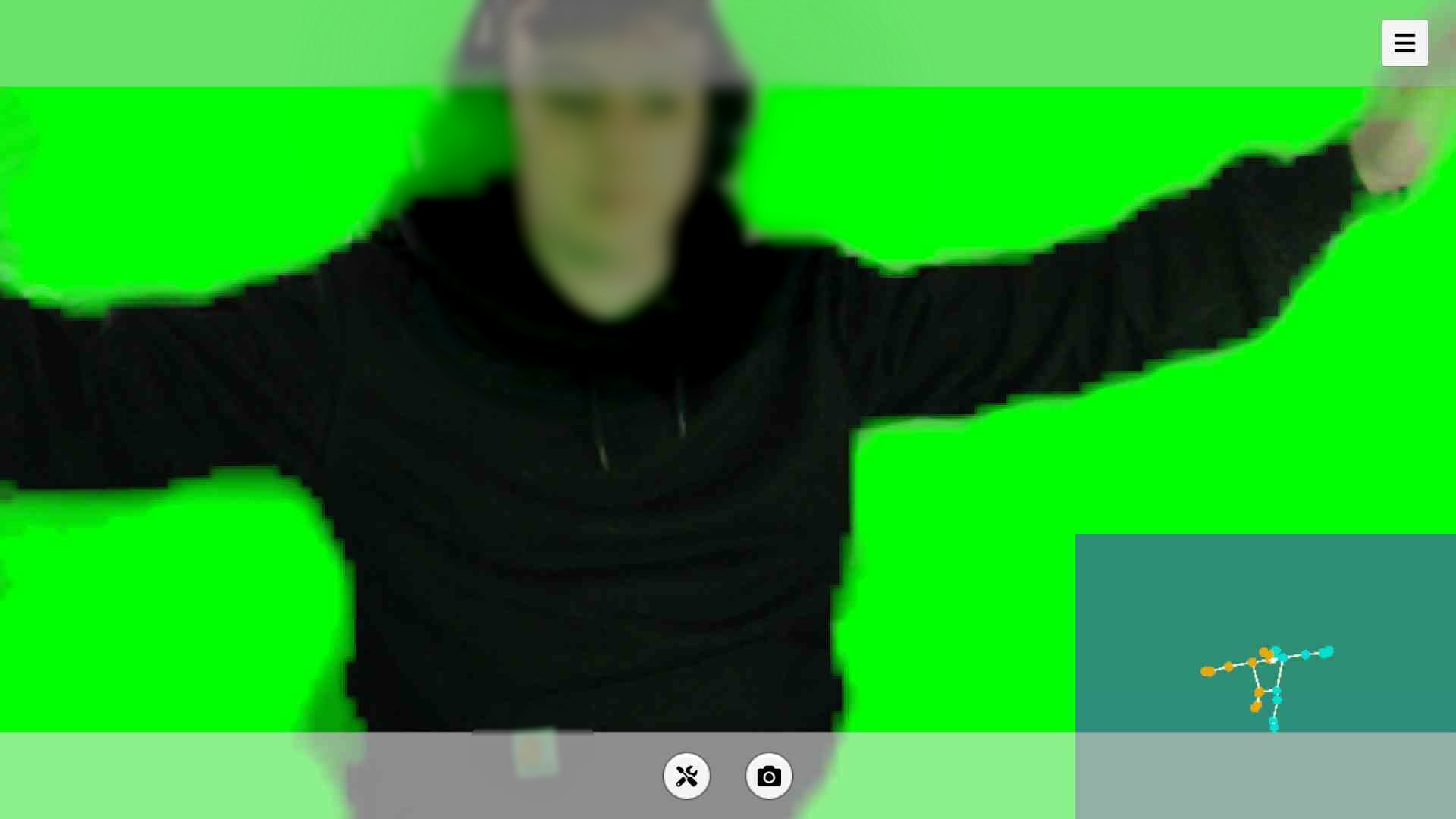
G — Toggle webcam/debug view
R — Restart aquarium scene
ESC — Return to main menu
Alt + F4 — Quit
For the best experience, stand centered in front of your webcam and move slowly from side to side.
Download
Install instructions
Download the Windows .zip file and extract the entire folder before running the game.
Do not run the .exe directly from inside the zip file. The game needs the included data folder and support files to run correctly.
After extracting the zip file:
- Open the extracted
Schooling Fishfolder. - Run
Schooling Fish.exe. - Allow camera access if Windows asks for permission.
- Use a webcam and stand centered in front of the screen.
This project requires a Windows computer and a webcam. No extra programs need to be installed separately. All required Unity and MediaPipe files are included in the download.
For best results, stand in a clearly lit area, keep your body visible in the camera view, and close other apps that may be using the webcam, such as Zoom, OBS, Discord, or browser camera tabs.
Controls:
G — Toggle webcam/debug view
R — Restart aquarium scene
ESC — Return to main menu
Alt + F4 — Quit
Leave a comment
Log in with itch.io to leave a comment.